
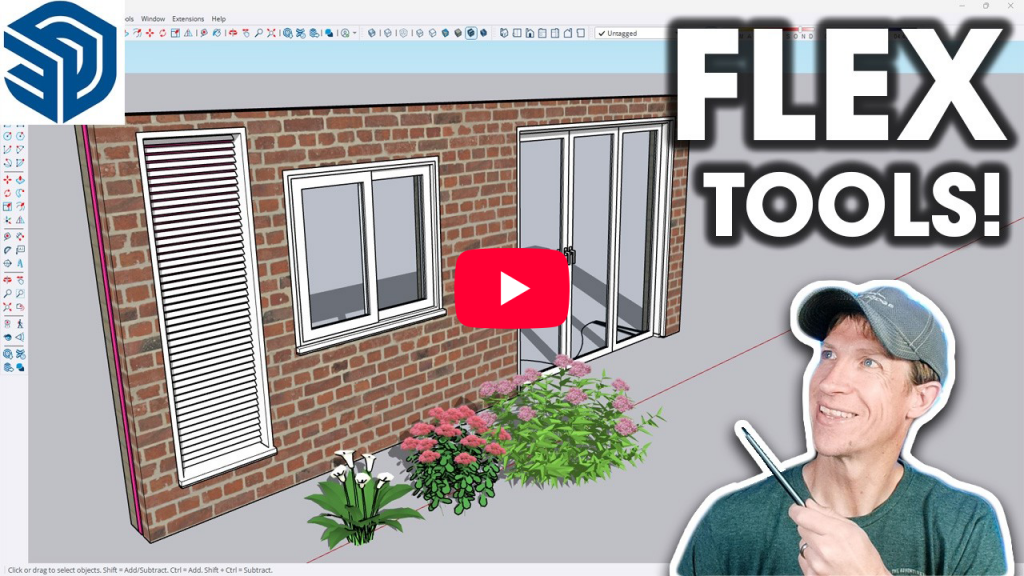
New video from The Sketchup Essentials! Follow Justin as he takes a fresh look at FlexTools and how it can speed up one of the most repetitive parts of architectural modeling in SketchUp: adding doors, windows, and wall openings. In the video, Justin shows how FlexTools’ dynamic components make it easy to place, resize, customize,…
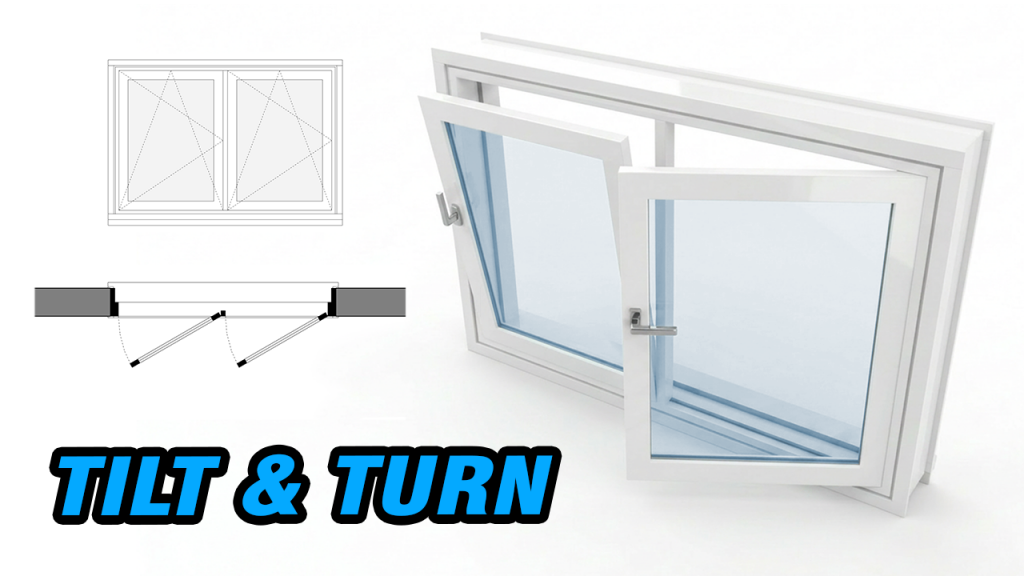
The Hopper / Awning flex window now includes a new Tilt & Turn option.
Like a real Tilt & Turn window, you can switch between different opening styles in one flexible component.
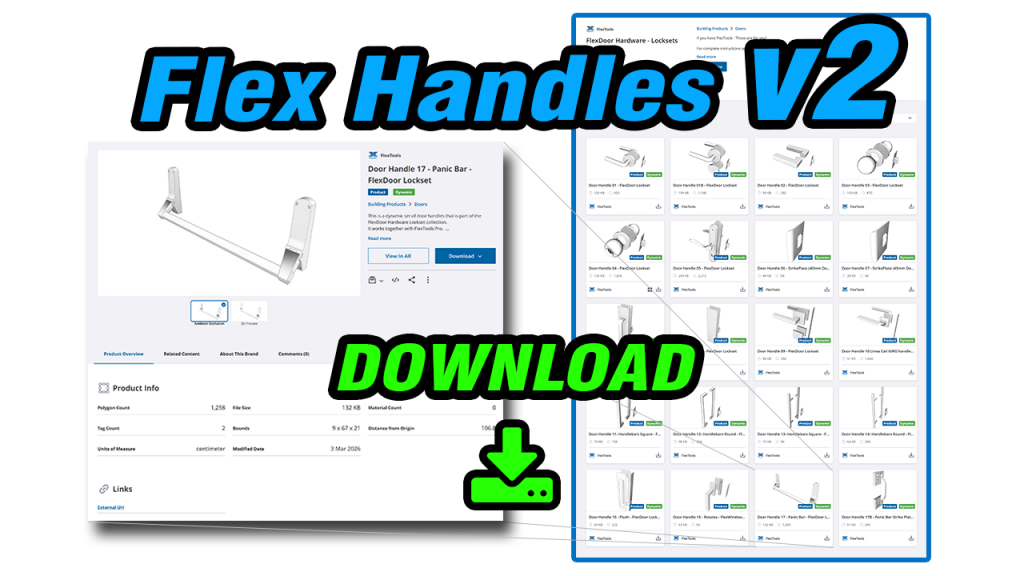
If you’re modeling doors and windows all day, the little workflow details add up: sizing, reporting, changing handles. This update makes all of these more consistent, plus it introduces some fine-tuning options for the Pocket door. Size doors and windows the way you spec them Leaf size calculation for all doors Every door can now…
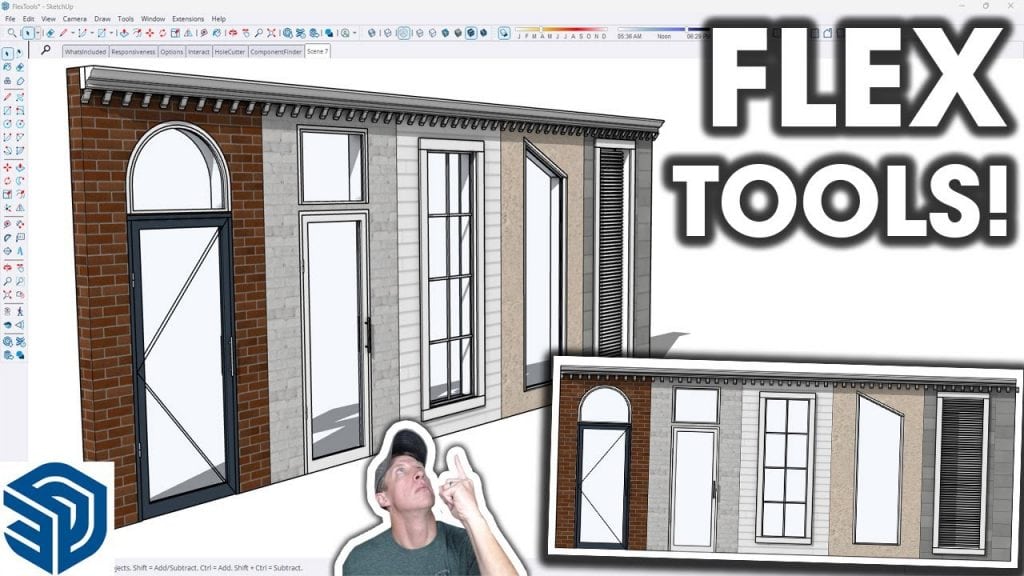
Check out this great introduction video of FlexTools by Justin from The SketchUp Essentials. He goes over what’s included, the parametric objects and the main features. This video is worth watching for anybody interested in speeding up their SketchUp workflow with scalable doors, windows, stairs, louvers, panels and more.
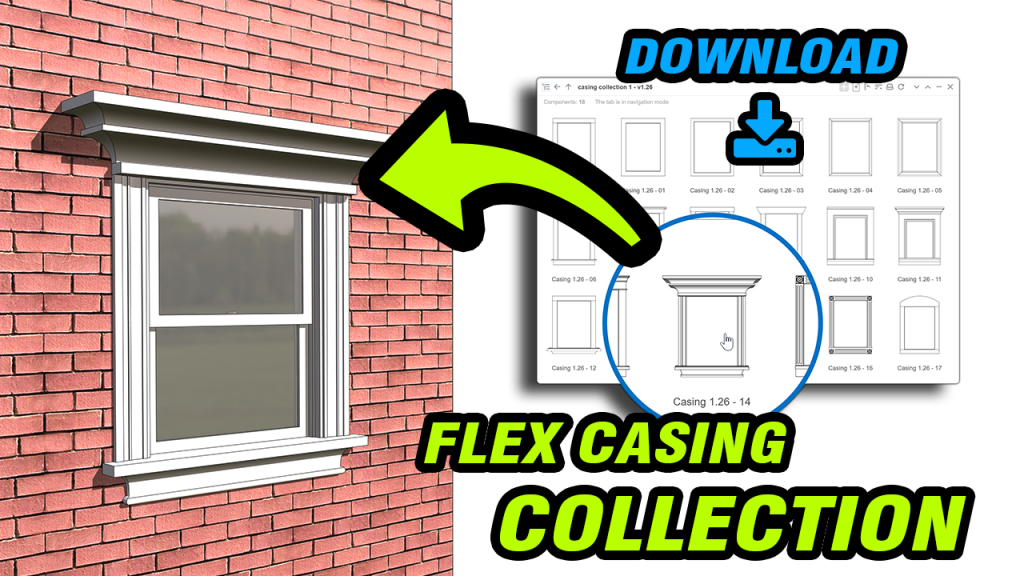
Enhance your FlexTools doors and windows with this sample set of casing components. Each casing features its own trim style and configuration options, and the entire collection can serve as a starting point for creating your own custom casings.
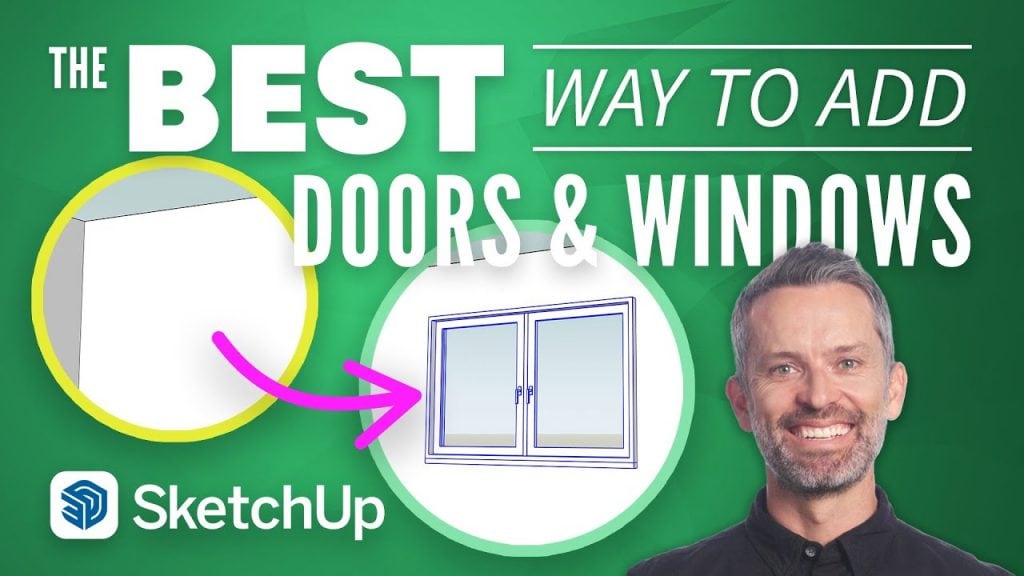
In this tutorial Alex from SketchUp School shares the best solution for avoiding all of the troubles of trying to create doors and windows from scratch, and also from trying to use pre-made components from the 3D Warehouse.
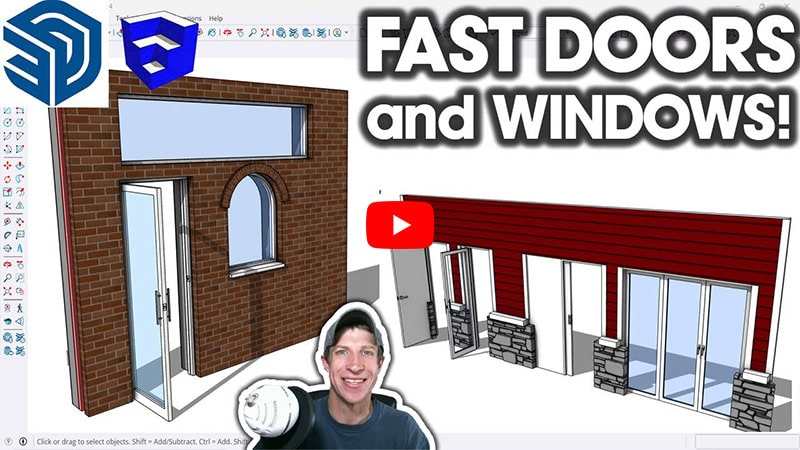
Check out a new video showing how much time FlexTools saves you adding doors and windows to your designs. by Justin from Theeeee SketchUp Essentials!
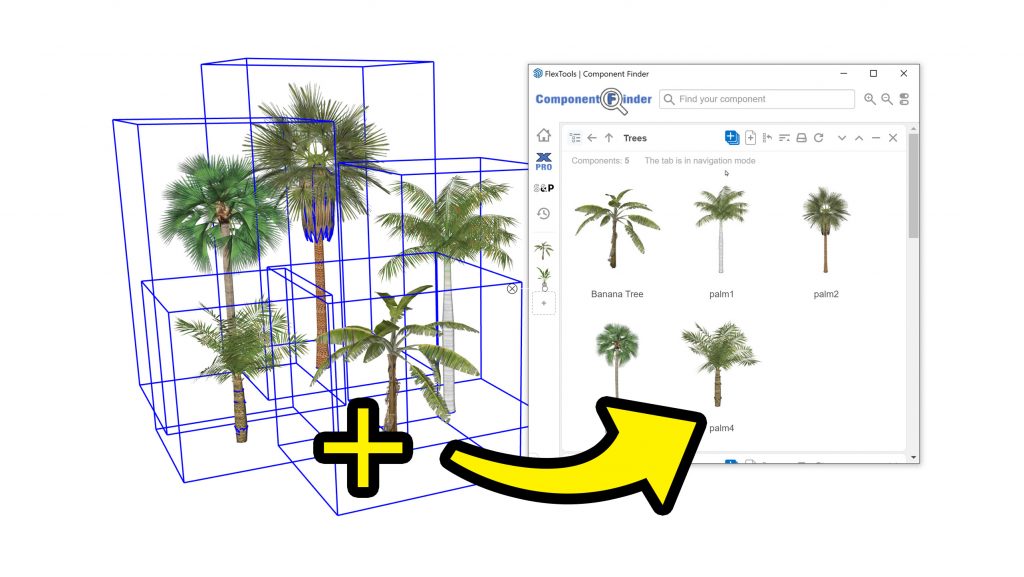
Export multiple components with Component Finder in a click. Unequal sashs, updated translations and more . . .

We’re pleased to introduce our brand-new customer portal!
Access your account, View your license keys, Download installers, Get invoices, Cancel subscriptions, Request refunds . . .
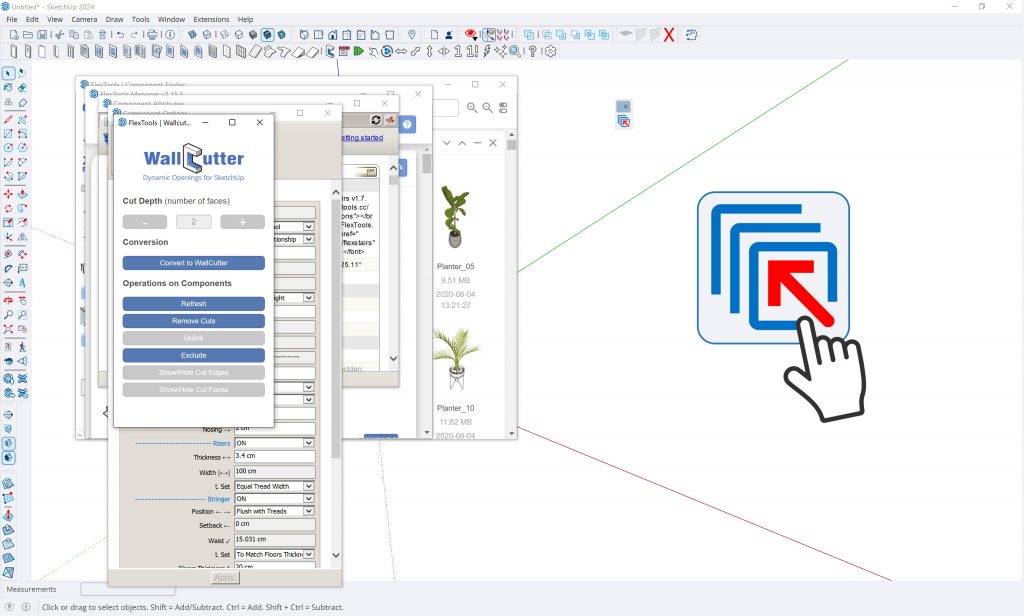
New Free Extension To Get Your Lost Windows Back
You’re clicking to open a dialog window in Sketchup and nothing happens? Is your dialog window hidden off screen? 2nd monitor disconnected and out of reach?
Install the Lost and Found extension and everyday will be your lucky day!