
We have fixed some major bugs that will be helpful not only for FlexTools users, but for anyone who uses Sketchup’s Dynamic Components (DCs).
Sketchup 2022 is here! Push the new ‘Search Sketchup’ feature to a new level with the new FlexTools update! We have also added new flex features, improvements and fixes. See the highlights below.
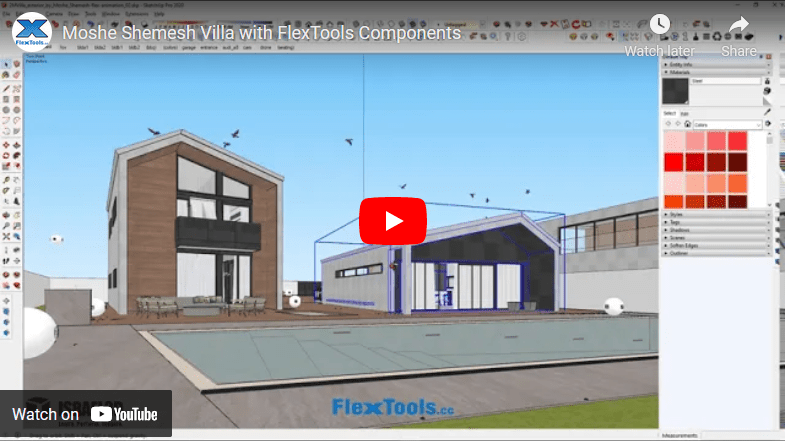
Model designed and rendered by Arch. Moshe Shemesh. Working in Sketchup has never been this easy! Place a window, move it around, scale it, add divisions, add materials – done! Want to make changes, no problem! We created this video together with Moshe Shemesh to demonstrate the power of live design. Hope you…
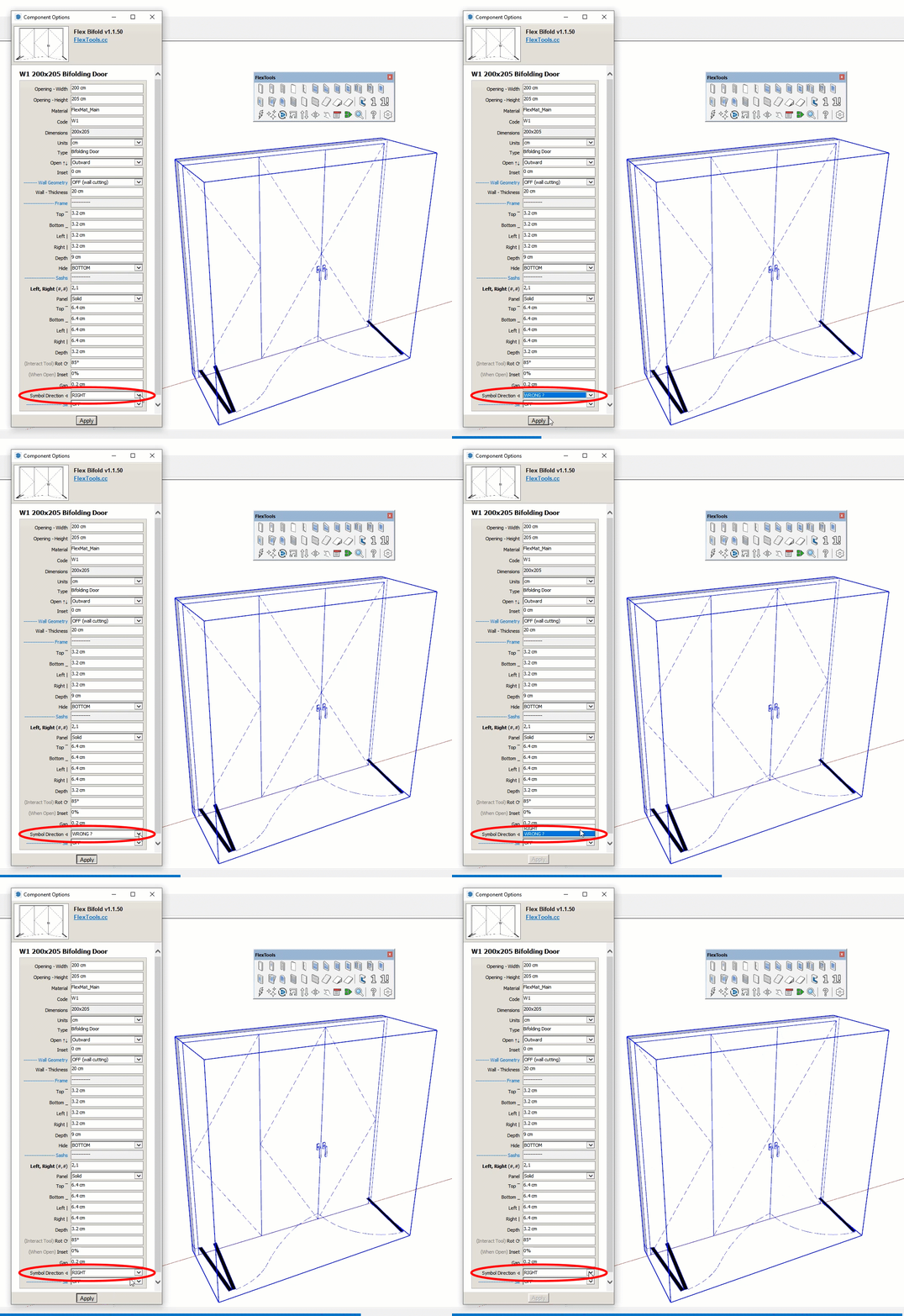
How do you show the swinging direction for your doors and windows in elevation?
Pointing to the Right? Or Wrong? 😉
We’ve always thought of this symbol as a triangular flag…
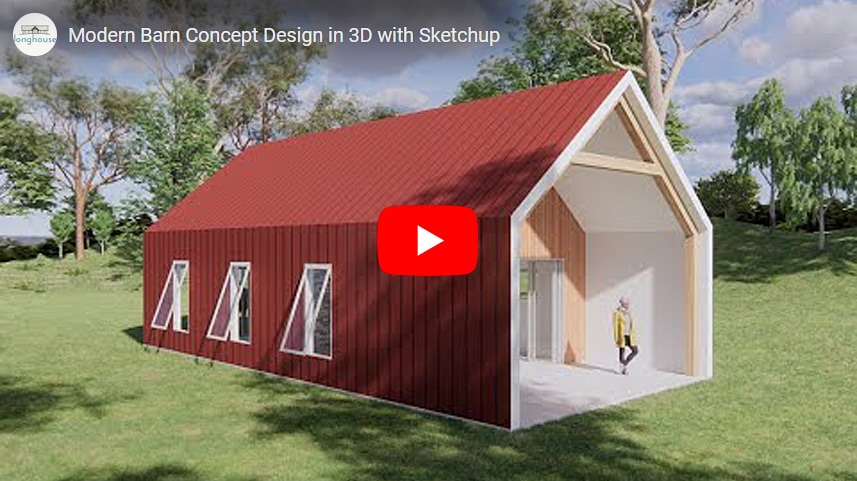
“I live in 3D and think in 3D and so I find the most efficient way to get that 3D image out of my head and start working with it is to create it directly in Sketchup.” – Derek Sallans, Longhouse Design
Derek’s workflow for concept design is so fast and intuitive, so very SketchUp-like, we couldn’t help but share it with you! 🙂
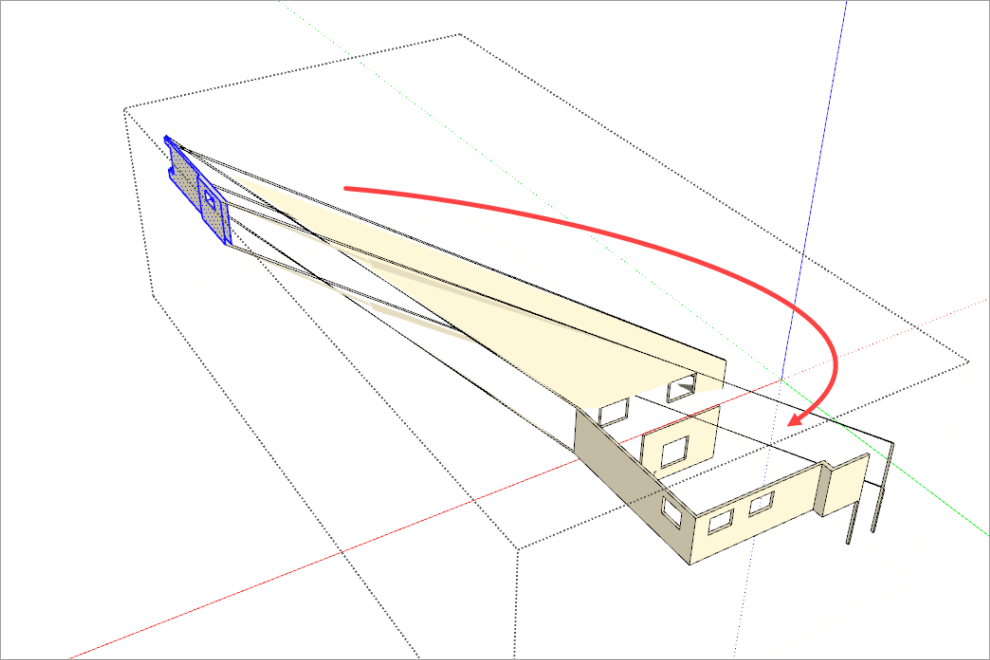
Imagine you’re in the middle of modeling a project. Suddenly, the geometry snaps to some weird location. You try to undo… No Undo!? 😠
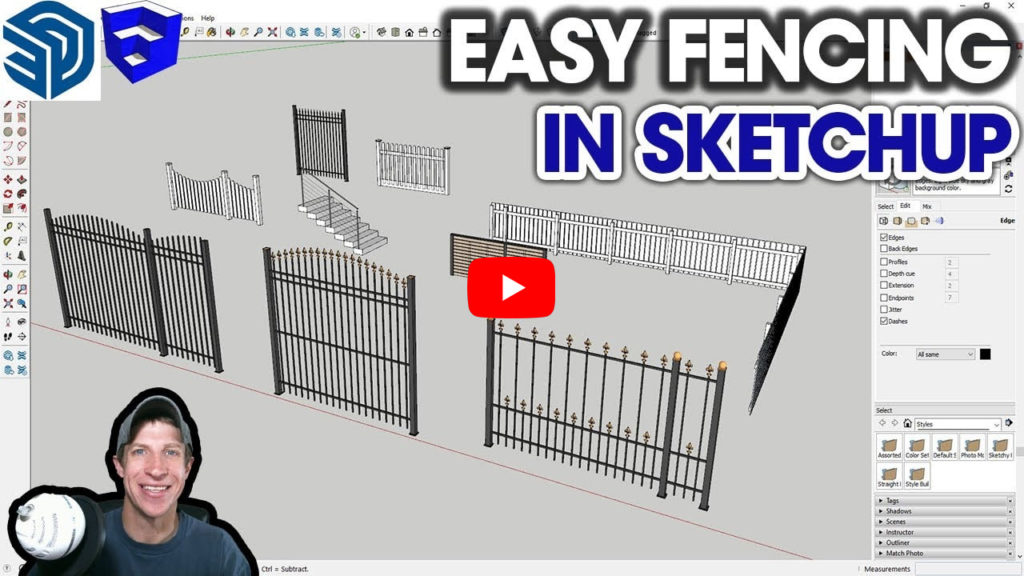
Check out a new video from The SketchUp Essentials about dynamic fences and railings.
A short introduction from Justin’s Newsletter:
” … I talk above about how to save time modeling in SketchUp by using copies. However, sometimes there’s an even easier option available for your modeling – let an extension do the work! …
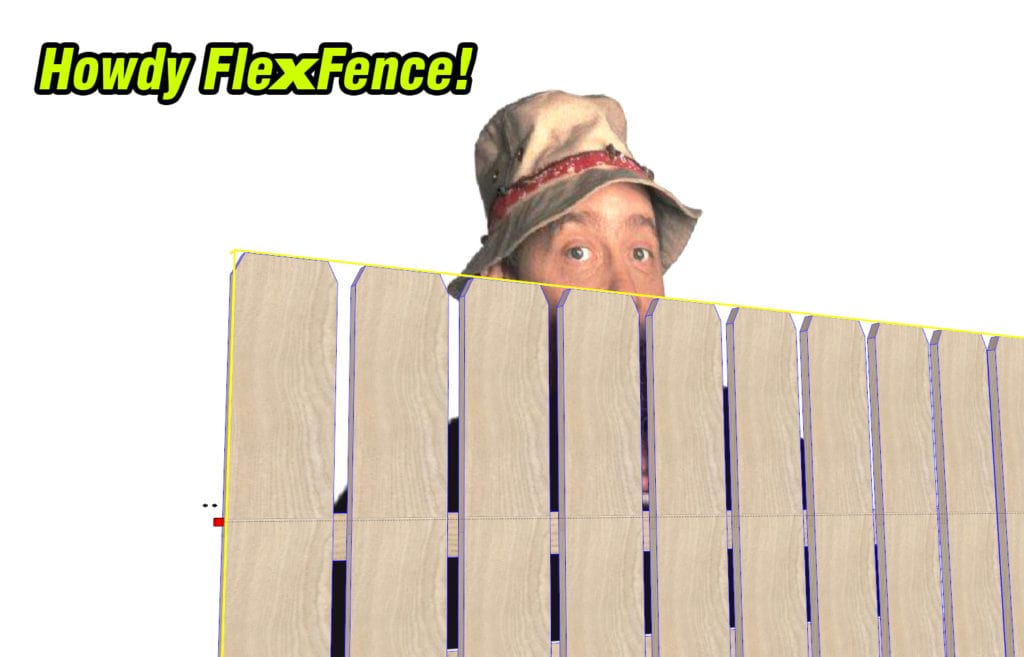
Create dynamic fences and railings in seconds with the new FlexFence component!
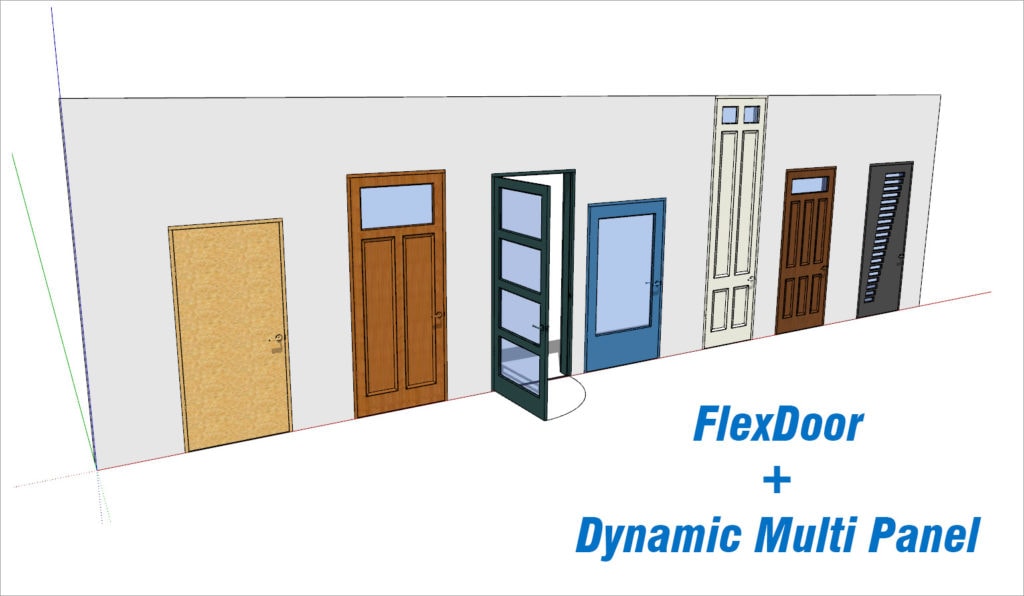
You can make countless dynamic door variations by combining FlexDoor with a freely available Dynamic Multi Panel by the great DC developer pcmoor.

What’s New:
New in ComponentFinder:
- Custom Thumbnails
- Model Finder
- Show / Sort by Date
- Recently Used
New Italian Translation
Improvements and fixes