
Flex Casing Collection (Download)
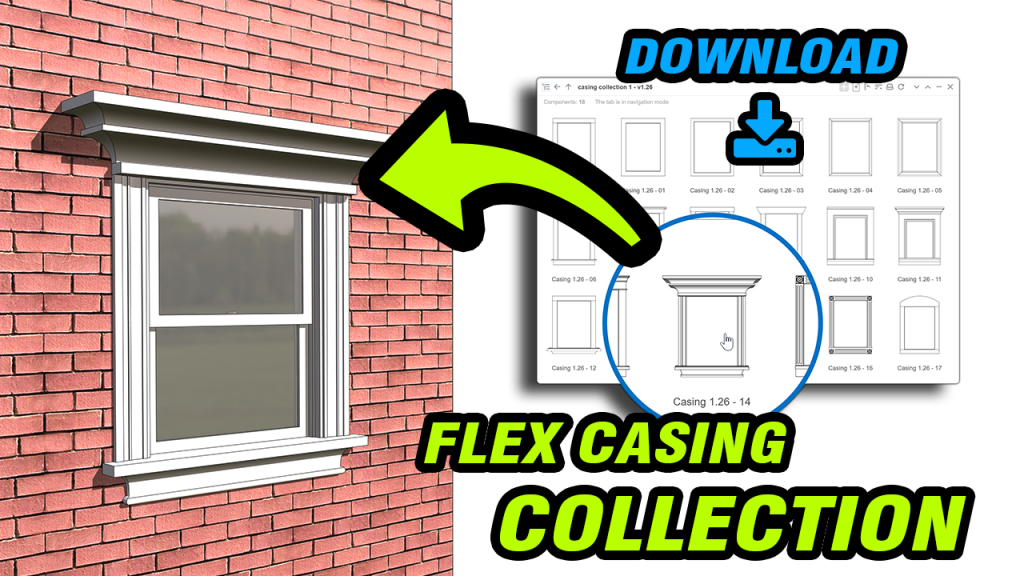
Enhance your FlexTools doors and windows with this sample set of casing components. Each casing features its own trim style and configuration options, and the entire collection can serve as a starting point for creating your own custom casings.
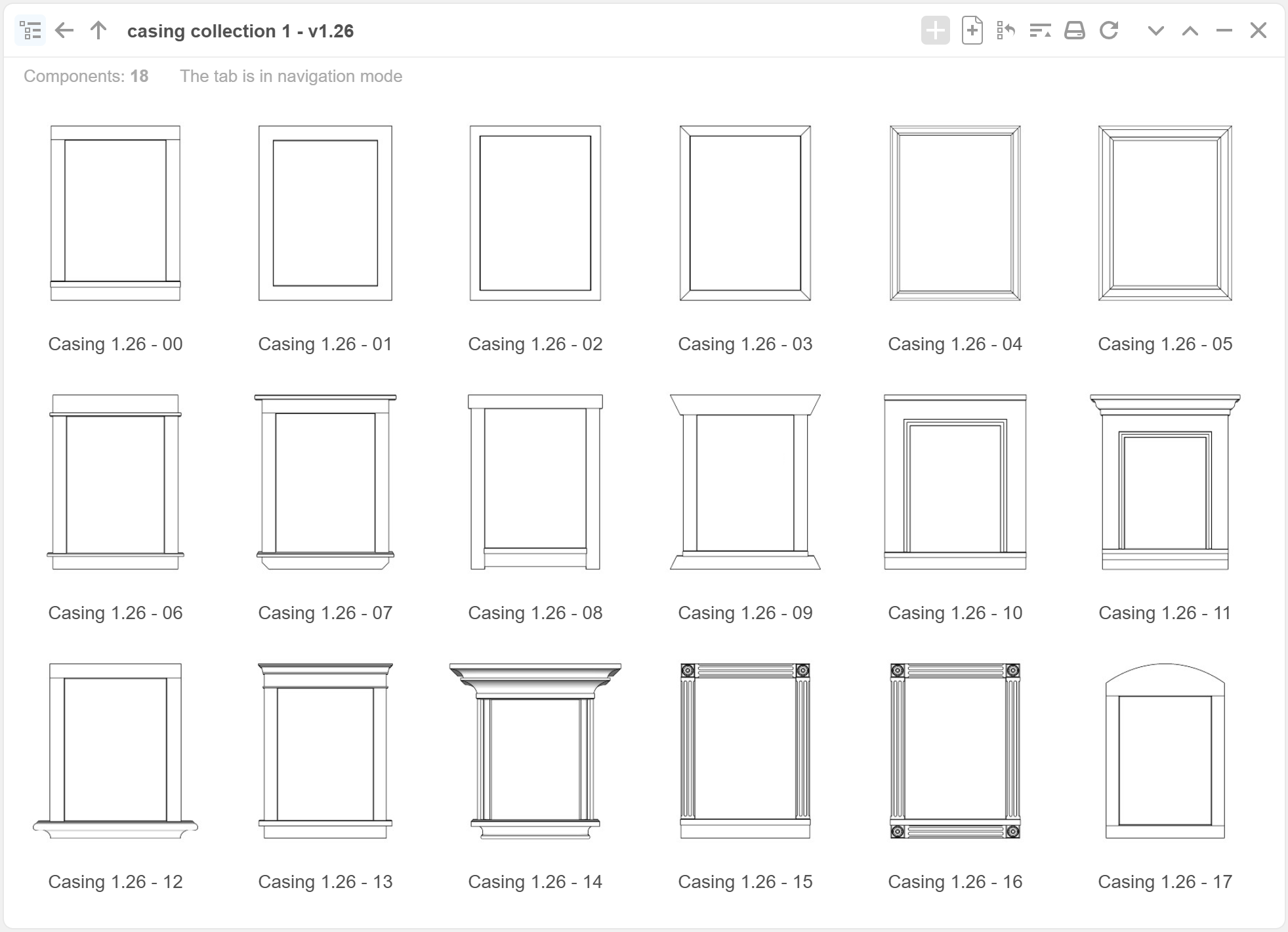
*The casing components work with FlexTools Pro Doors and Windows only.
How to open a collection of SKP files with Component Finder
First things first, download and unzip the skp files into a folder on your hard drive.
Then open the folder with the collection of skp files with Component Finder.
How to Add the Casings
To get the casing components into your FlexTools doors and windows:
- Open the folder with the casings in Component Finder
- Select your FlexTools door or window and set 'Casing Out' to 'ON' - the existing casing sub-component will appear
- Double click with the Select tool to go into the component and delete the old casing
- Purge Unused (Edit > Purge Unused Assets - optional but recommended step)
- Place the the chosen casing component from Component Finder
 If needed, give the new casing a little nudge with the Move tool and it will scale into place.
More about the Flex Casing here