
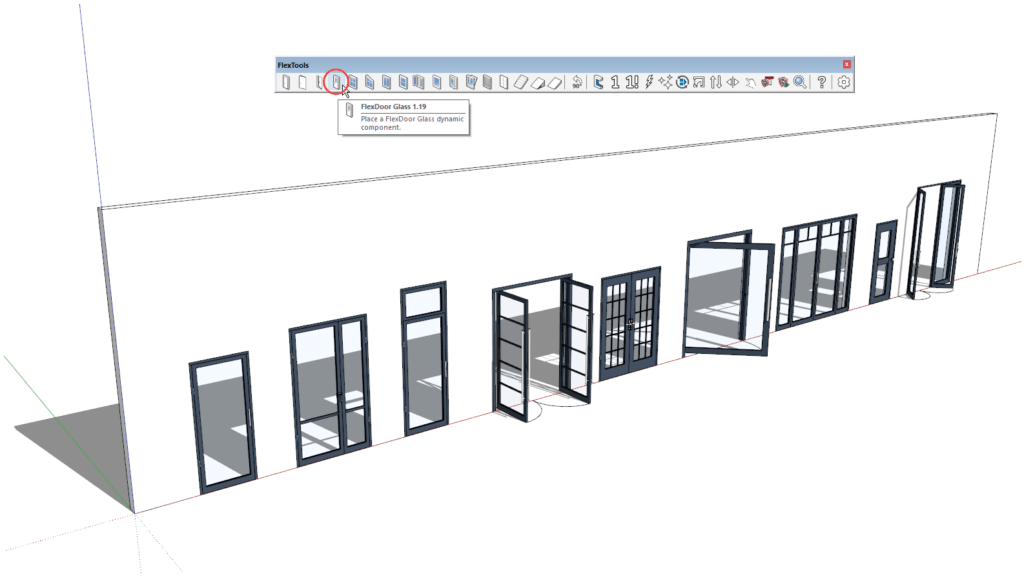
What’s New:
– New FlexDoor Glass component
– New material settings
– New dynamic door handles
…
01/05/2020 – Update ✅ Bug Fixed Among many new features, bells and whistles the bug is fixed in Sketchup 2020.1 We’ve received multiple reports that in Sketchup 2020 ComponentFinder thumbnails are being saved in top view only. Ouch! This happens when saving through the API and also when doing a Right Click > Save…

We’ve received many requests, and we’re finally glad to introduce FlexTools for Students! A student license is a fully working FlexPack Pro license valid for 1 year, at a student-friendly price. It can be purchased by students and by faculty members as well. It must not be used for any kind of commercial work.…
As with every new release of Sketchup, this year too, FlexTools is fully compatible to work with Sketchup 2020. Not only does it work, it works faster!
It looks like the Sketchup team have been busy doing some work ‘under the hood’, making Sketchup run…
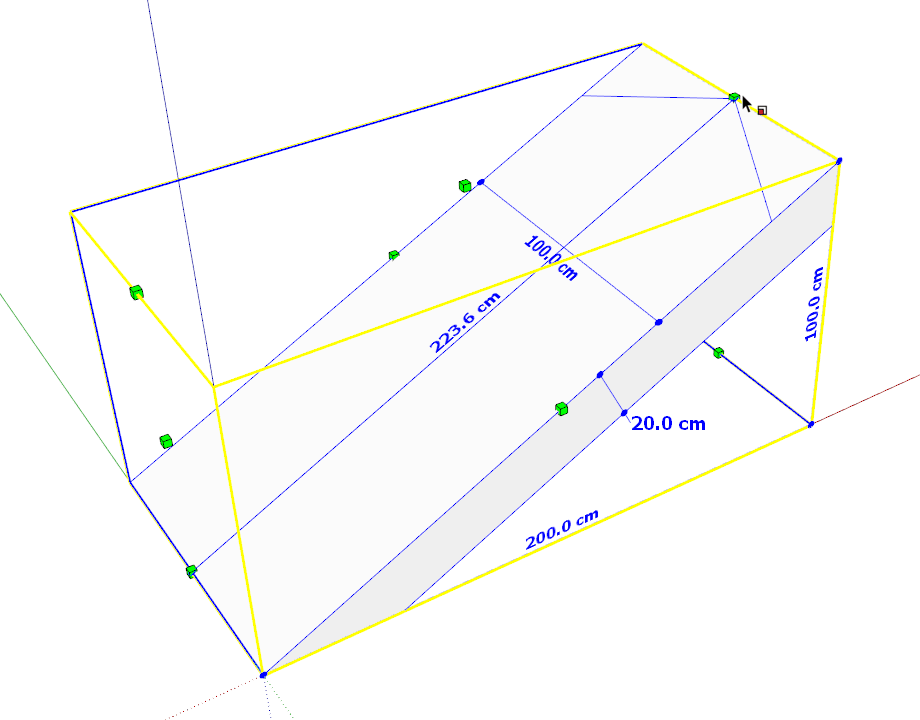
Create sloped walkways & parking lot ramps in seconds:
1. Scale from floor to floor.
2. Adjust the slope.
3. Add extensions up and down with a couple of clicks.
Learn about FlexTools’ main features and a few practical applications in this overview from The SketchUp Essentials.
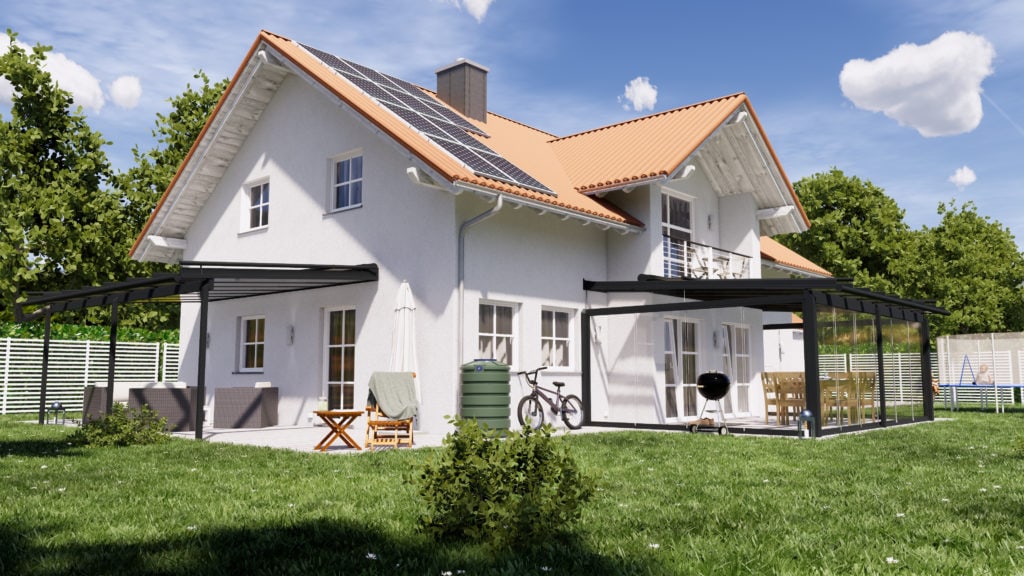
Render by MatthB One of the intentions for Flex components is to use them as a basis that you can then customize further. Add details, add materials and when you’re done customizing, save them aside with ComponentFinder for later use. MatthB recently shared some very impressive customized flex components, he also showed how he…
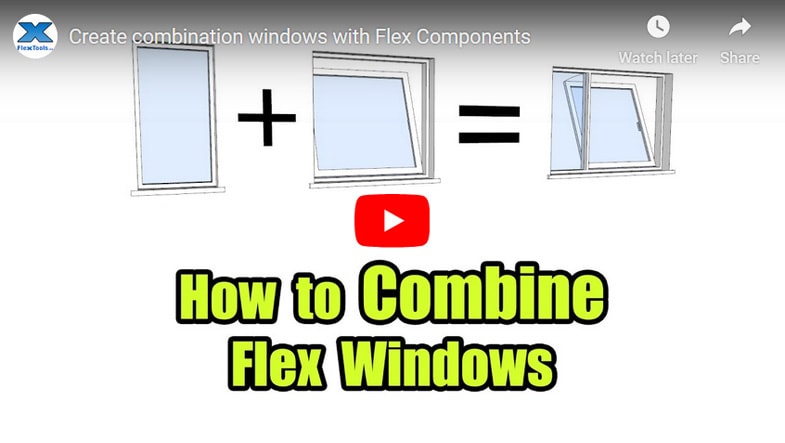
Learn how to combine flex components to create new types of windows (and doors) and save them for later use. In the example above you’ll see how to make a Fixed+Awning flex window combination. Turn on the Place Upright toggle. – This way new components that you place in the model come in upright,…

A New Help Button To make the experience of getting help easier and faster we’ve added a new help button to the FlexTools toolbar. Click on it, and it will take you to a new Resources page which will direct you to all the information you may need. If you still can’t find what…
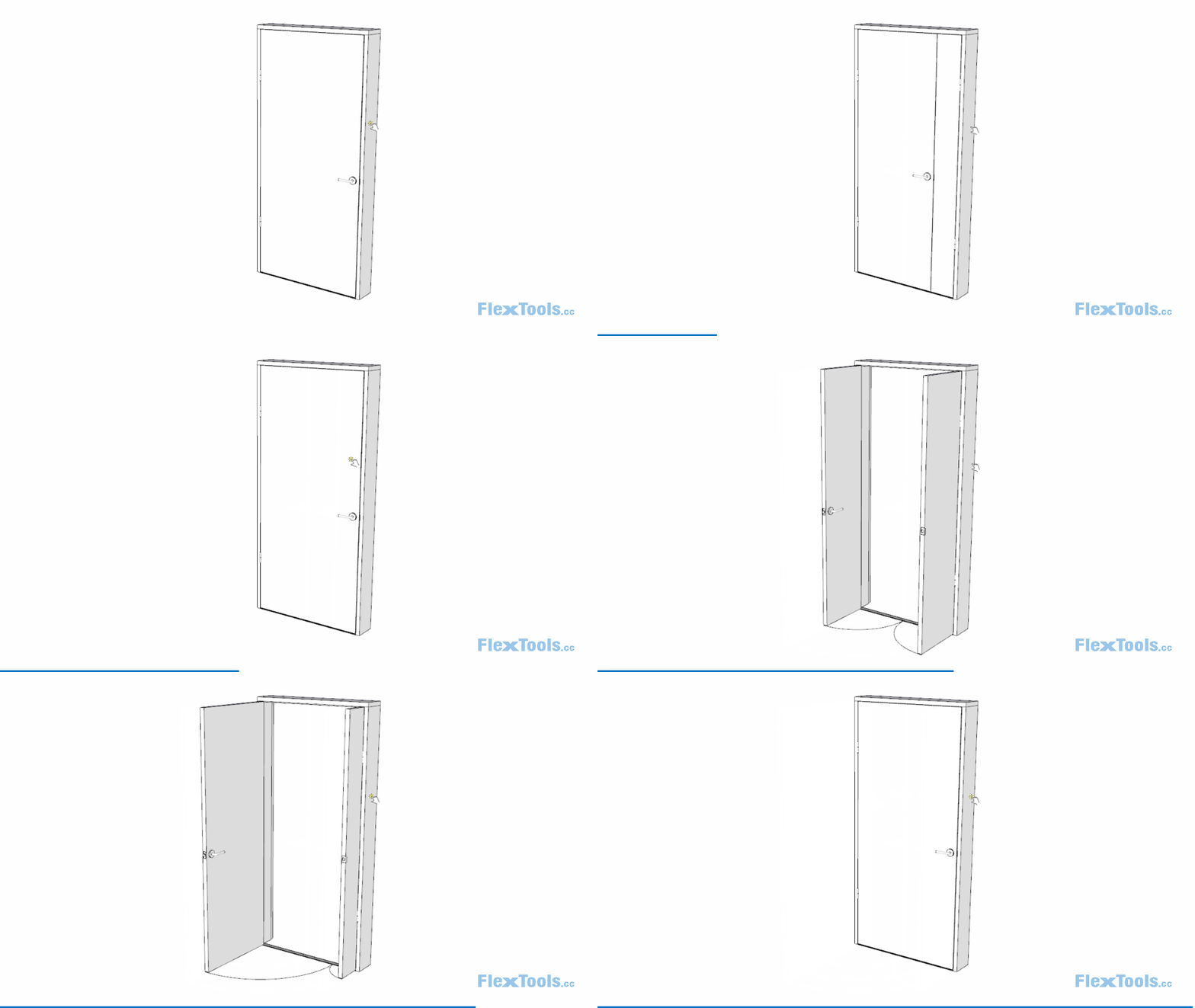
Unequal Door Panels Following several customer requests we’re glad to introduce a new option for FlexDoor – Unequal door panels for the double door. No more messing around with side panels that were fixed in place and would not swing open (you still have the option for those if you need them). Clicking with…