
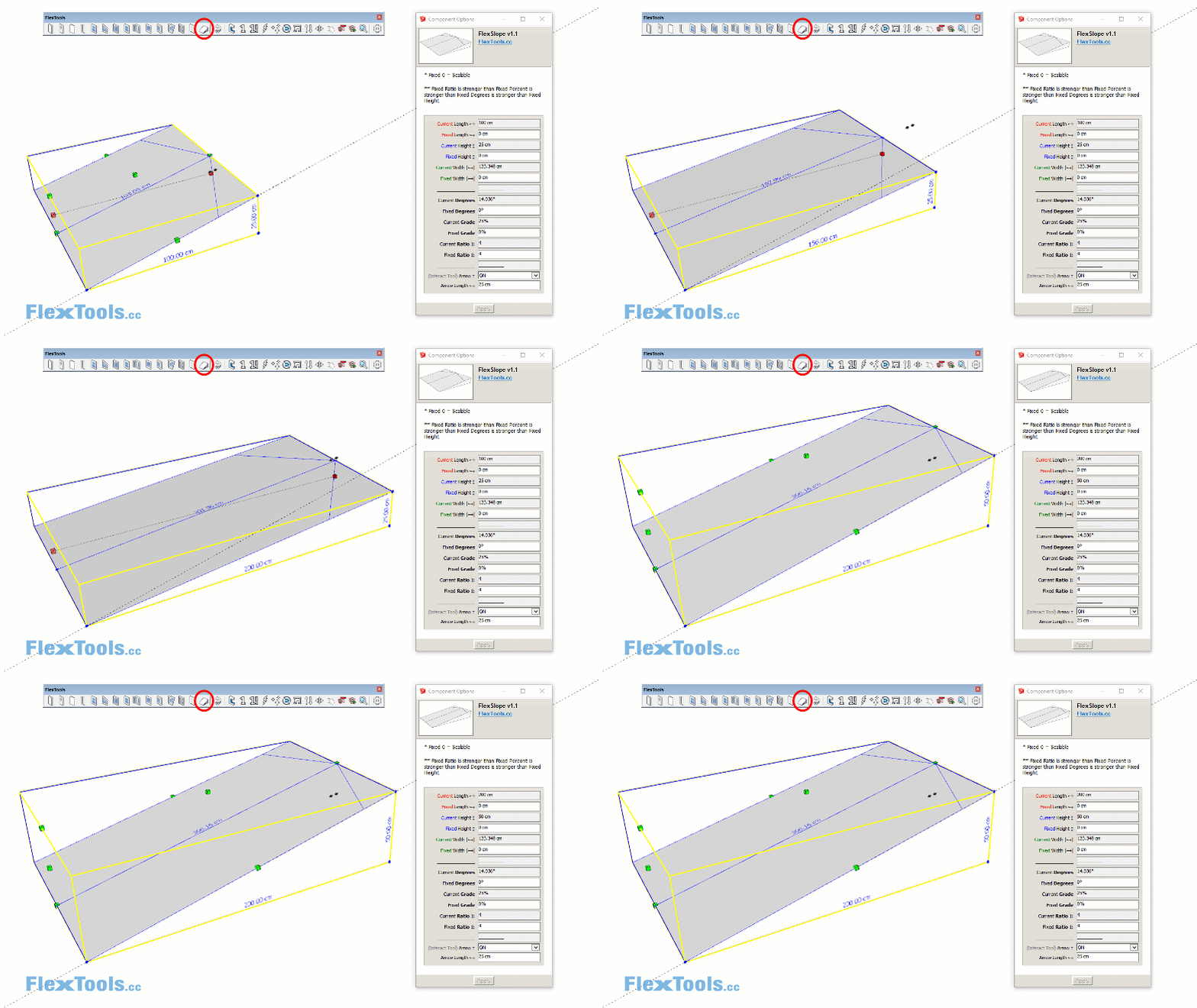
New FlexSlope Component Easily calculate ramps, car parks, roofs, etc. with this new component that is now available with the auto updates for FlexPack Pro. (The original, simpler beta version is available for free download at the FlexLabs.) Scale the component freely or fix the slope in degrees (°), in grade (%) or with a…
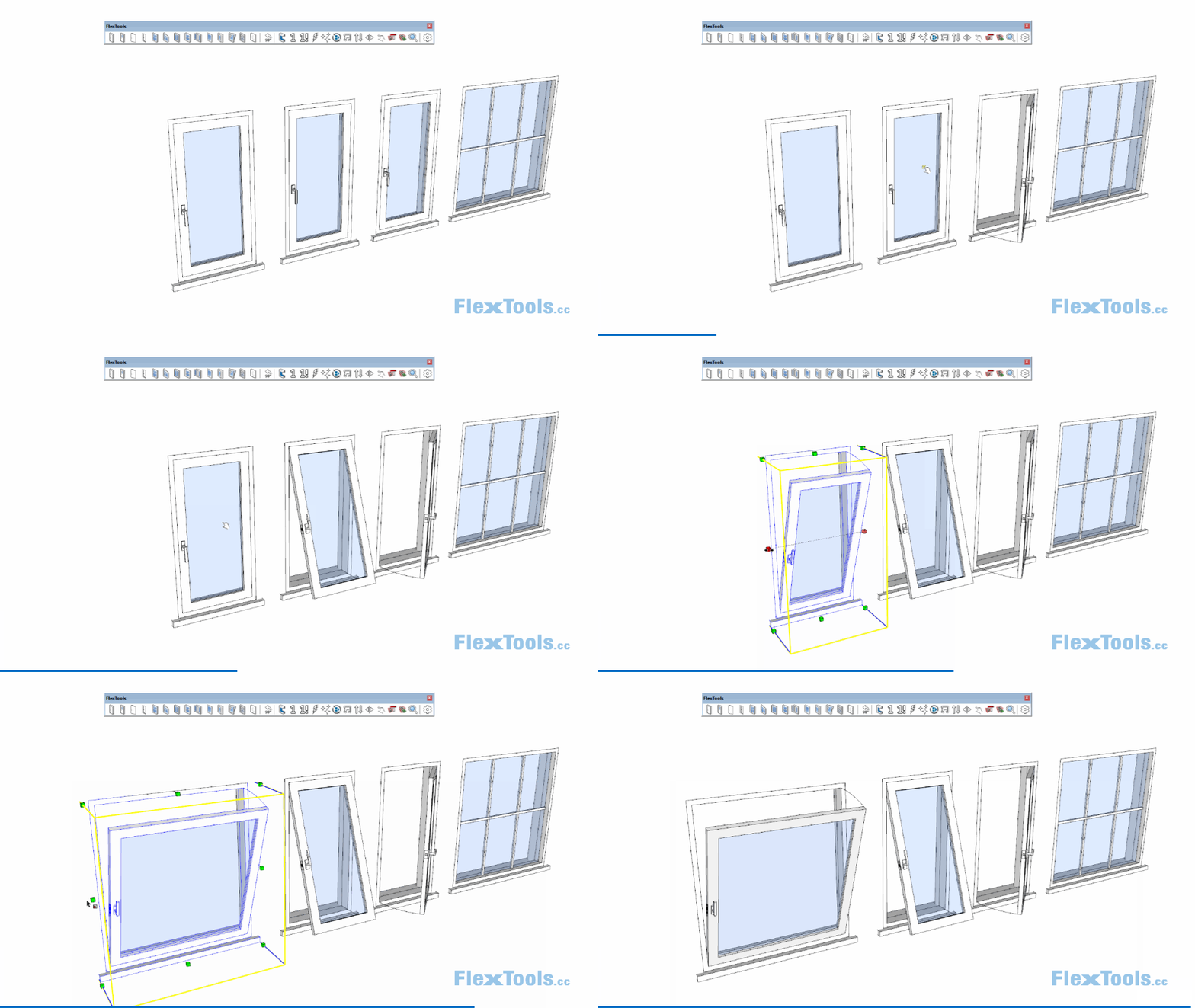
What’s New 3 new Flex Windows: Hopper / Awning Casement Single Fixed Window How to create Combination Windows A couple of bug fixes and a small correction to one of the minimal doors. The Hopper / Awning Window With this new Flex window, you can create a simple Hopper. Change one setting and it’s an…
Model a house in minutes! A new video by Justin from The Sketchup Essentials shows how to build a house in no time using FlexTools and Tig Roof.
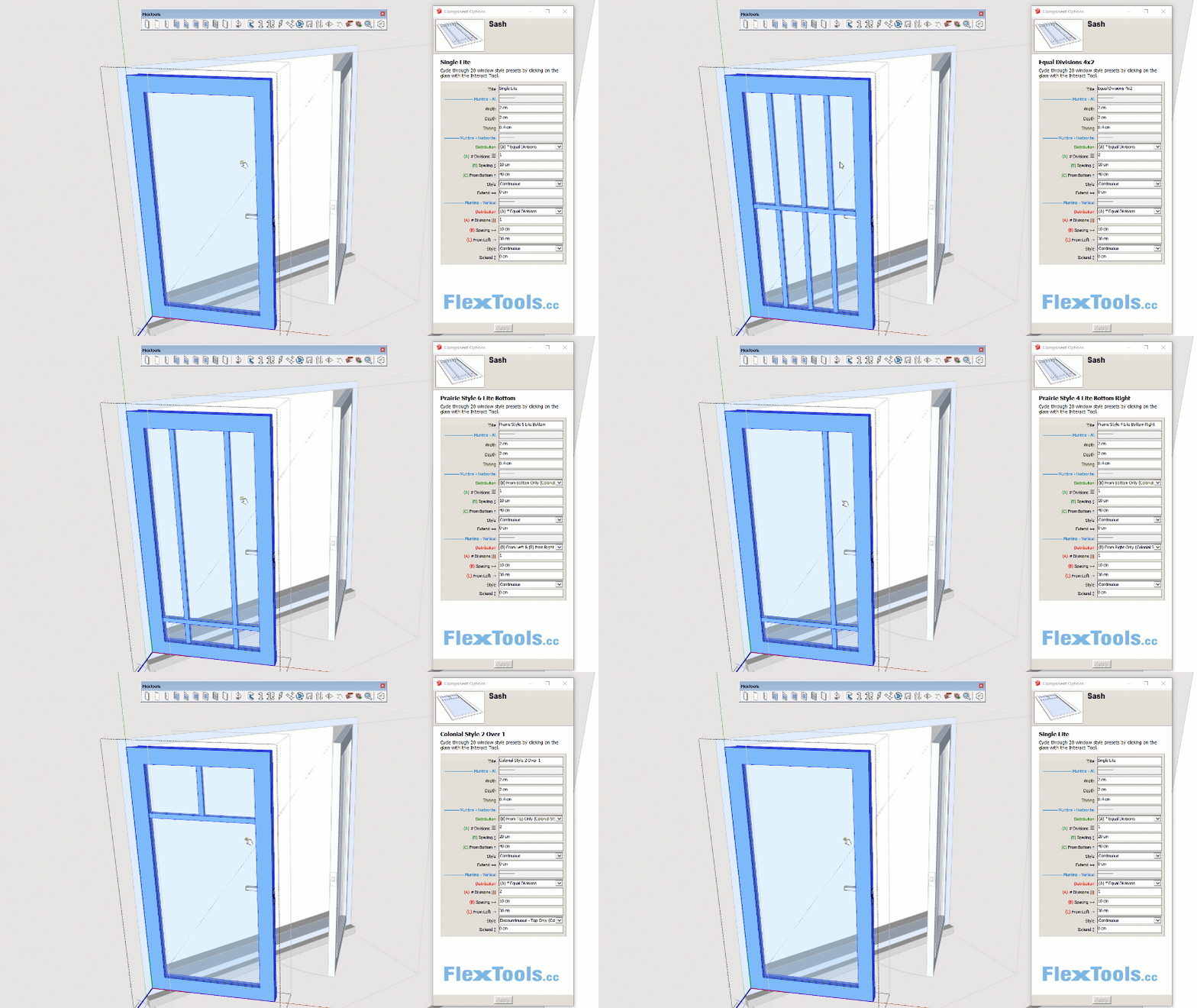
What’s New A New Flex Casement Double Window with 20 presets. Enhancements to the Open/Close tool. Important bugs fixed for WallCutter & ComponentFinder. A New Casement Double Window A new flex casement window has been added to the collection. With it we’re introducing a new feature that should speed up your work even more. …
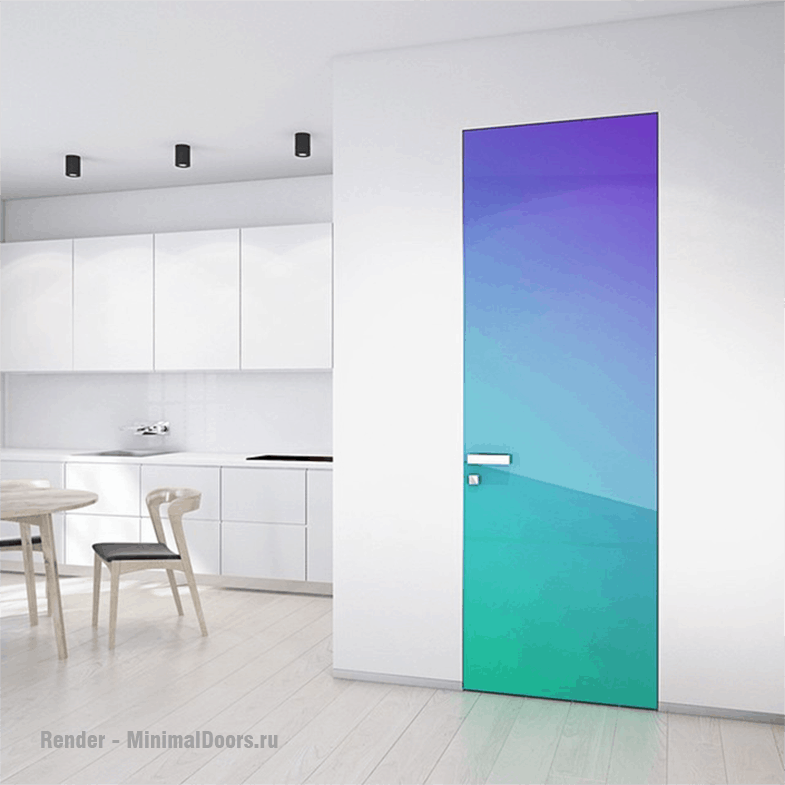
When you get a chance to visit a manufacturer of beautiful high quality hidden doors (that happens to be run by a very nice young man named Alex), you don’t think twice, or at least we didn’t. 🙂 We visited Minimal Doors, out here in Novosibirsk, Russia, and today we are happy to share their…
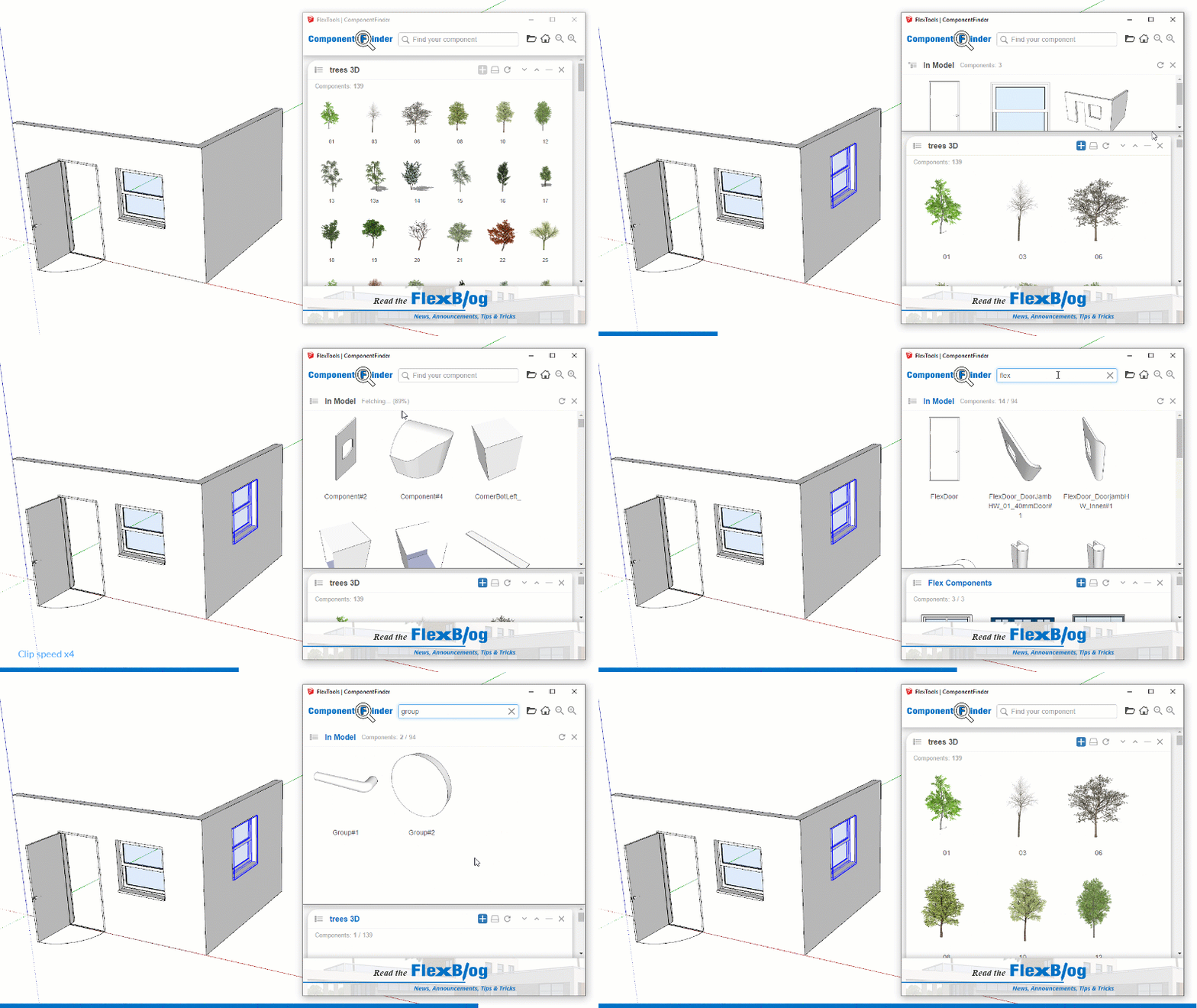
Finding components just got even easier! To kick-start 2019 we are releasing an important update to Component Finder so you can find not only components on your hard drive, but also inside your models. Yes, similar to the In-Model view in Sketchup’s component browser, but with the powerful features you are used to: quick search,…
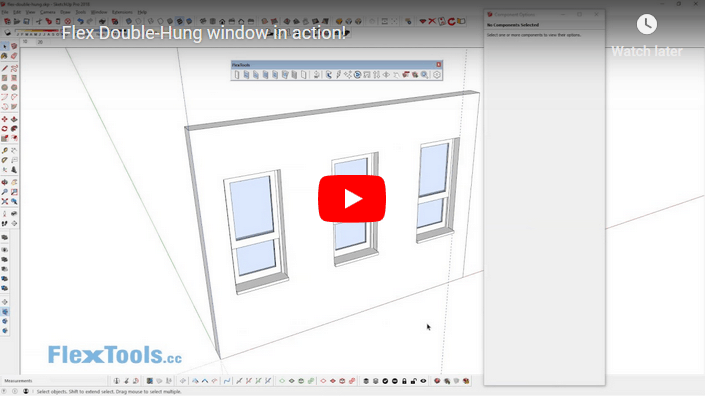
Meet the new Double-Hung Flex window component. Check out the video above to see it in action.
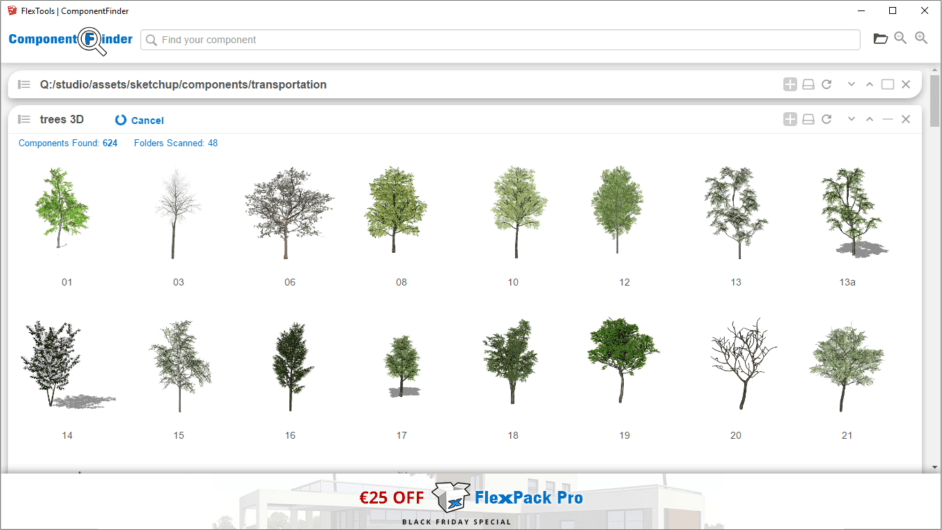
Glad to announce some exciting and significant improvements and bug fixes for ComponentFinder, for WallCutter and for the Core Extension. These improvements are based on customer feedback. Keep it coming! This update is relevant to FlexPack Pro, FlexPack 2017 and to ComponentFinder customers. Important! This update will only work with Sketchup 2017 and up. Below…
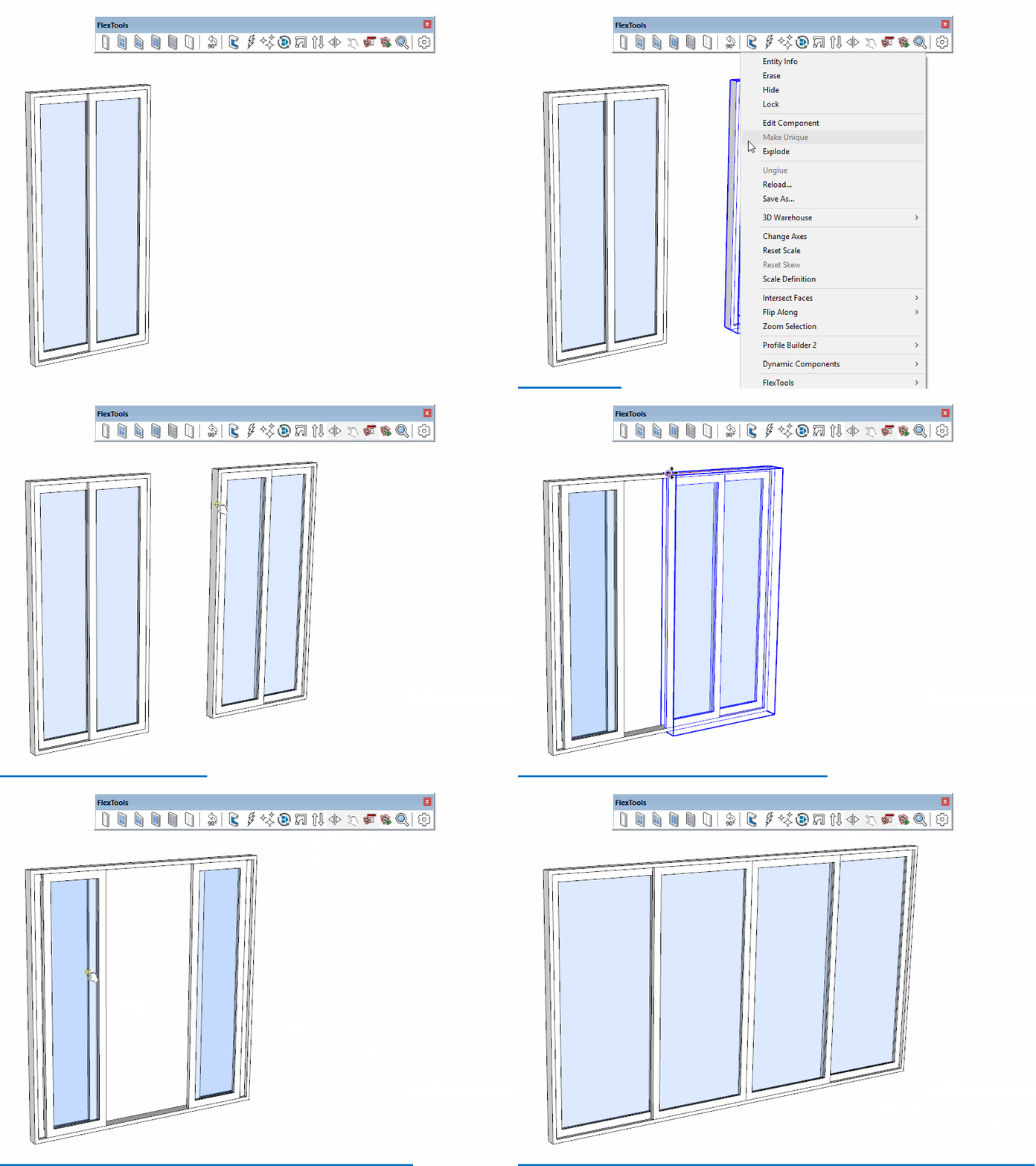
One of the features in the new FlexSlider Window/Door is that you can hide parts of the frame in order to make various configurations. In this example we show how to make a 4-panel door combining two FlexSliders. This can serve as a temporary solution for those who need a 4-panel door component Right Now! …
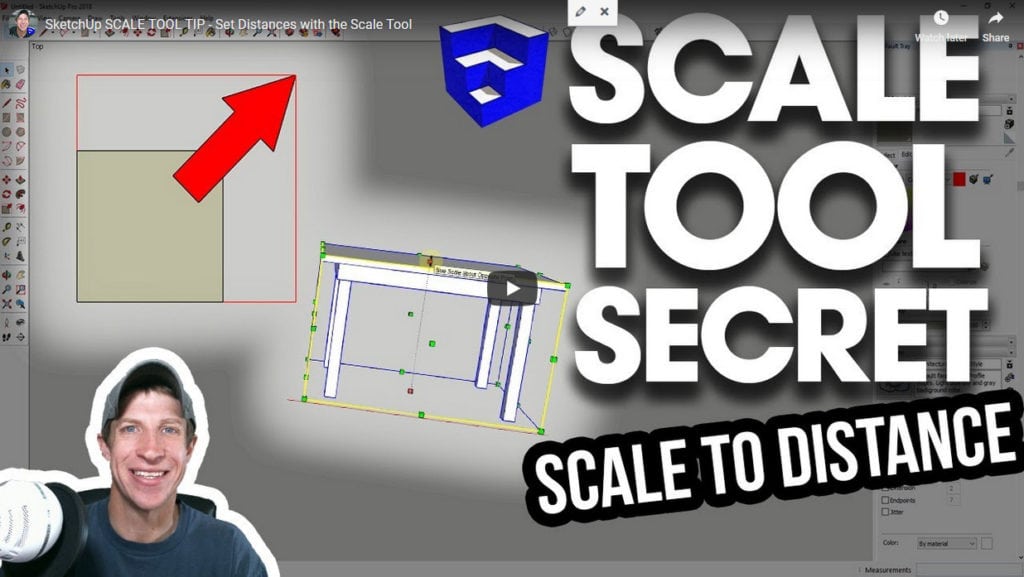
Did you know you can type an exact size when using the scale tool? I was always sure typing in a multiplication or fraction were the only way to go, but apparently there’s more. After selecting the direction you want to scale in, you can type in a distance with units notation, for example: ‘100…